Funny enough, I joined a cohort in early 2020 to learn how to create digital math activities for my classroom. I had no idea how quickly I’d need those skills.
Just a few months later, the pandemic hit, schools shut down, and distance learning became the norm overnight. While so many of us were scrambling to figure out online teaching, I was able to start creating digital activities right away and testing them with my students.
And honestly? It changed the way I teach math—not just during distance learning, but now, too.
Even though we’re back in person, these activities still have a permanent spot in my classroom. They make practice interactive, self-checking, and way more engaging for students.
Here are five of my students’ favorite digital math activities—and how you can start using them in your own classroom.
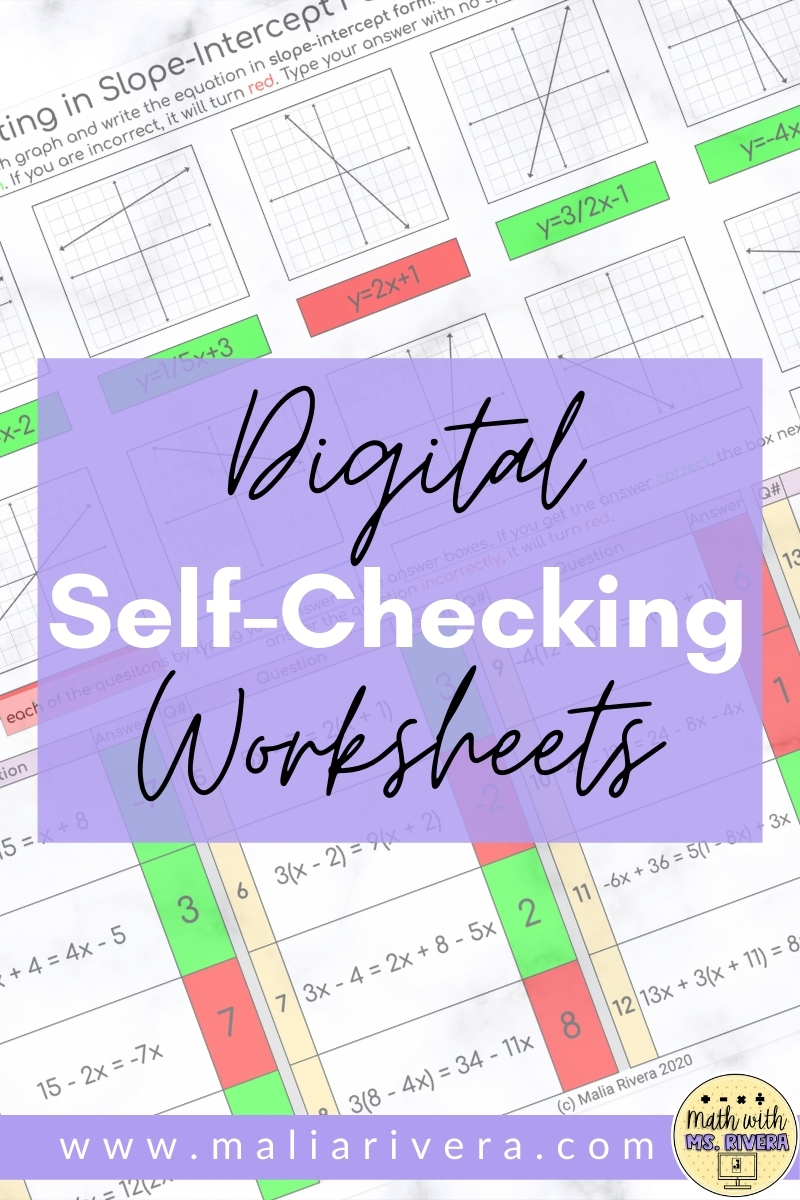
Digital Self-Checking Worksheets
This is where I started, and I still use these all the time.
I took my regular math worksheets and turned them into self-checking Google Sheets using conditional formatting. When students type an answer:
-
✅ Correct = box turns green
-
❌ Incorrect = box turns red
Instant feedback = instant engagement.
Students love knowing right away whether they’re on track, and I love not having to grade every single problem by hand. If you haven’t tried making your worksheets digital yet, start here—it’s simple and makes a huge difference!
Digital Task Cards
Once I figured out self-checking worksheets, I realized I could do the same thing with task cards using Google Forms.
Here’s what I did:
-
Took screenshots of my existing task cards
-
Uploaded each one into a Google Form as a “question”
-
Switched the form to quiz mode so it would grade itself
The best part? Built-in data collection!
I can quickly see which questions students struggled with and which ones they nailed. It’s all right there in Google Forms or a connected Google Sheet, which makes tracking progress so much easier.
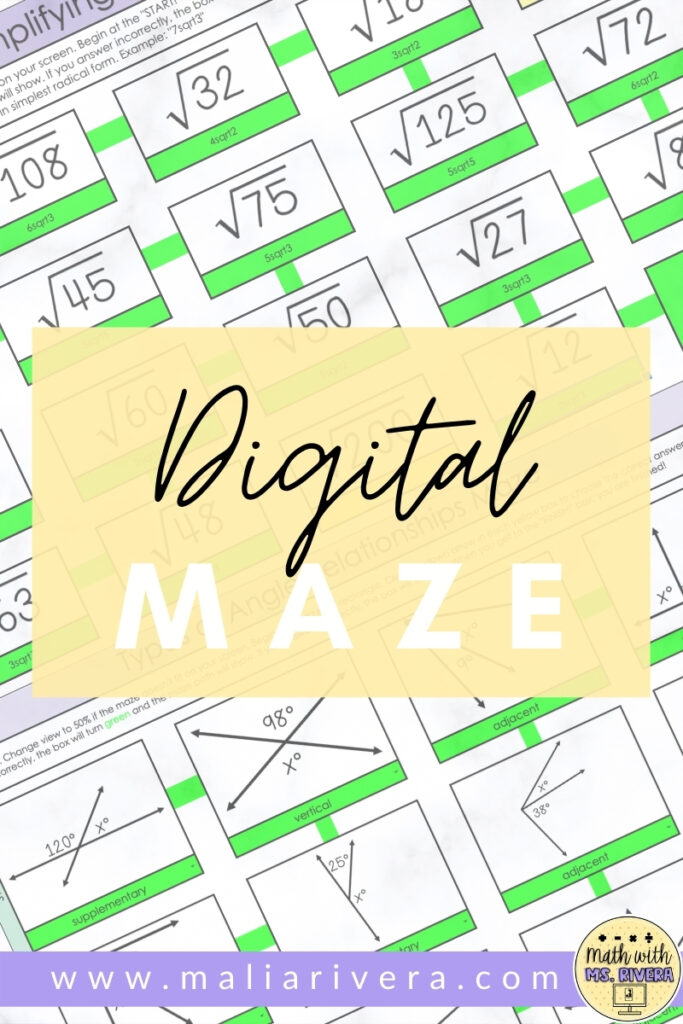
Digital Maze
Remember math mazes from when you were in school? They’re even better now that they’re digital.
With Google Sheets + conditional formatting, students solve one problem and use their answer to “find the path” to the next question:
-
Correct answers = the next path turns green
-
Wrong answers = the box turns red and the path disappears
It’s basically gamifying practice, and my students eat it up.
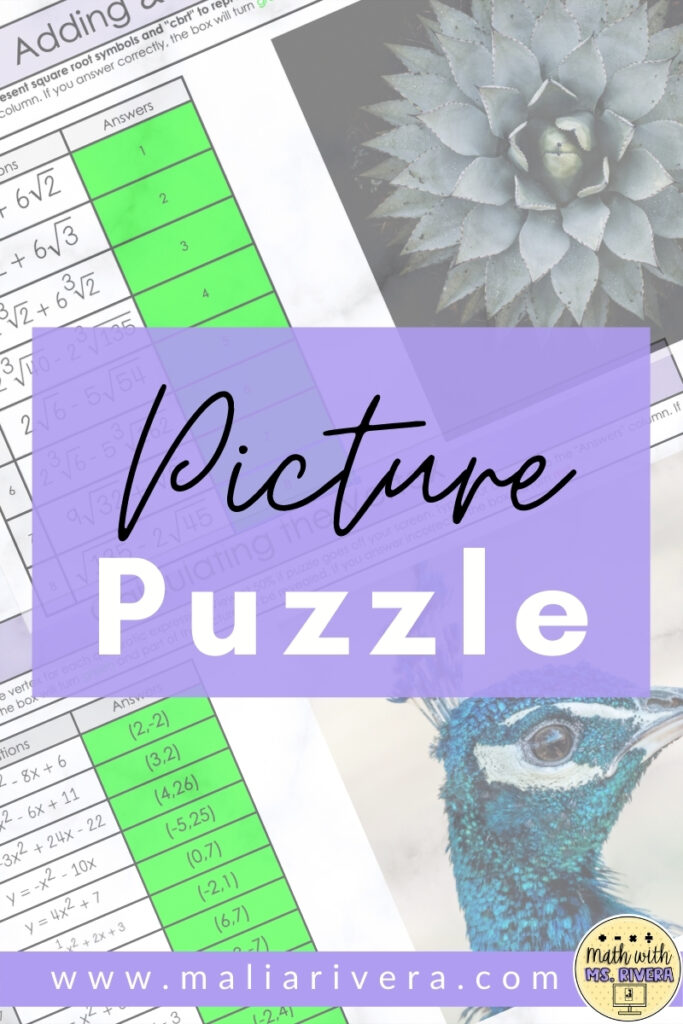
Picture Puzzles
If you haven’t seen these on teacher Instagram or TikTok yet, you’re missing out!
These Google Sheets puzzles reveal a hidden image as students answer questions correctly. Every time they get one right, a piece of the picture appears. By the end, the full image is revealed—and students are determined to finish so they can “unlock” the surprise.
It’s quick to set up, looks impressive, and gets even reluctant learners to participate.
Mystery Pixel Art
Out of everything I’ve tried, mystery pixel art wins, hands down.
Students answer math questions in a Google Sheet, and with each correct answer, cells change color. Slowly, a pixelated picture appears.
One of my favorite moments from distance learning was listening to my students try to guess what the image would be:
“It’s totally a bear!”
“No way—it’s a surfer!”
“Guys… it’s a taco.”
The engagement was through the roof. Even now, mystery pixel art is one of my go-to digital math activities—and my students never get tired of it.

While the pandemic pushed us into using digital resources, these activities aren’t just a backup plan anymore—they’re part of my regular classroom toolkit.
I didn’t just convert paper worksheets into digital form; I learned how to design digital-first math activities that engage students, give instant feedback, and make practice fun.
If you want ready-to-use options, you can find self-checking worksheets, digital task cards, mazes, picture puzzles, and mystery pixel art activities in my math resources shop. These are the exact activities I use with my own students, and they’ve completely transformed the way I teach.